
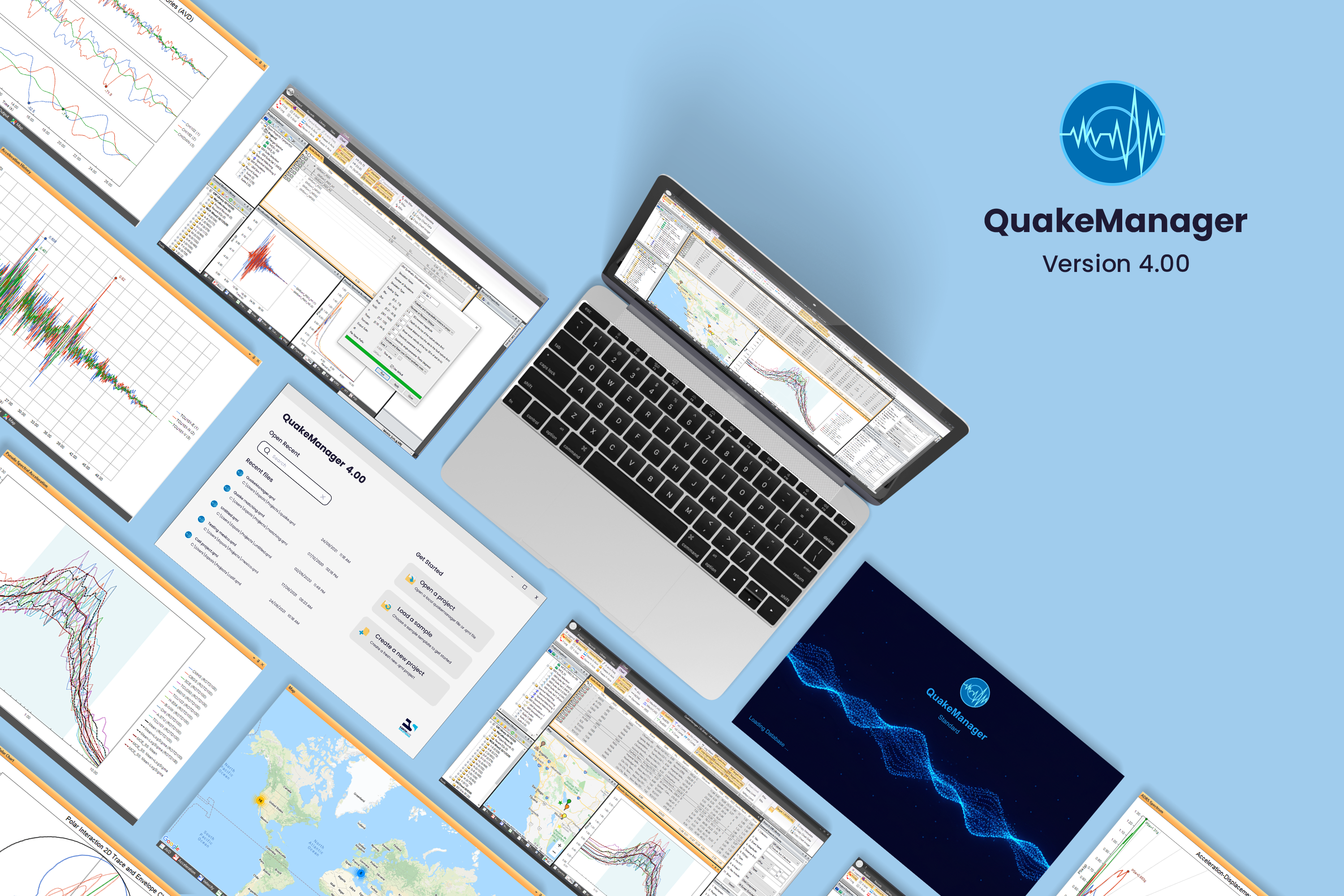
We are thrilled to announce that QuakeManager 4.00 is officially here, bringing a massive suite of upgrades designed to give you total control over your seismic records. The core of this release is a comprehensive Signal Processing module that handles everything from basic cleanup to advanced characterization and adds the ability to calculate Instantaneous Power (IP) & Filtered Incremental Velocity (FIV):

New Signal Processing module
- Trimming & Padding: Adjust record duration by time, number of points, or specific acceleration thresholds (in g). There is also a smart trim option that can automatically select the optimal trimming length that ensures the response spectrum (Sa) stays within a defined percentage of the original record over a specified period range.
- Resampling: Change the time step (dt) and number of points of a record while maintaining the record's original duration automatically. The resampling tool can be used to reduce the number of data points, in order to achieve faster response history run times, while preserving the spectral content of the record.
- Fling Effect: Easily add fling effects to your time history by specifying site displacement (Dsite), fling period (Tfling), and onset/arrival time (Tarrival).

Fling added with the following parameters: Dsite = 1 m, Tfling = 10 s, Tarrival = 5s
- Baseline Correction: Remove polynomial trends from acceleration histories to correct/remove residual drift from displacement histories
- Filtering: We’ve expanded our library beyond standard filters to give you a multitude of options with precision control over your frequency content:
-
- Filter Types: Choose from Butterworth, Chebyshev I, Chebyshev II, Elliptic (Cauer), or Bessel filters.
- Custom Parameters: Fine-tune your results with adjustable band types, orders, critical frequencies, max ripples, and minimum attenuation.
- Composite Workflows: Chain multiple signal processing or spectral matching steps resulting in an automated composite filter, consisting of multiple filters, which makes Managing complex multi-step operations seamless.
-
- Keep Intermediate option: Enable this to save the result of every step in your filter chain in order to see how the records evolve, also great for debugging your record processing.
- Interactive Previews: Turn on "Preview Charts" to see how your changes affect the time-histories and spectra in real-time before committing the changes to the records to a new suite.
- The "Previous" View: You can now compare the modified record against the Original (input) record and the Previous step’s record for multi-step operations (composite and spectral matching) when the keep intermediate option is enabled. Below in an example showing the displacement and PSa for a composite operation that consists of trimming, resampling then baseline correction, which helps the user understand the changes affected to the record in every step of the composite filter.

Displacement time history for original, previous and modified

PSa for original, previous and modified
- Instantaneous Power & Filtered Incremental Velocity: Added two new spectral charts showing Instantaneous Power (IP2) and Filtered Incremental Velocity (FIV3) measures evaluated over the NGA periods.
 IP2 chart
 FIV3 chart